Connection and Setup Guide

- Obtain the ROF2 client
(we will never provide the client) - Install Microsoft
DirectX 9.29.1974.1 End-User Runtimes
(you may already have this installed from prior games/emulators/gpus) - Register for a Dragons Nest account which works to access both the website and game
- Login to the Dragons Nest website to obtain the launcher or patch files
- DNLauncher (recommended method)
- Download and extract the DNLauncher to your ROF2 client directory
- Run dnlauncher.exe
- Select Patch
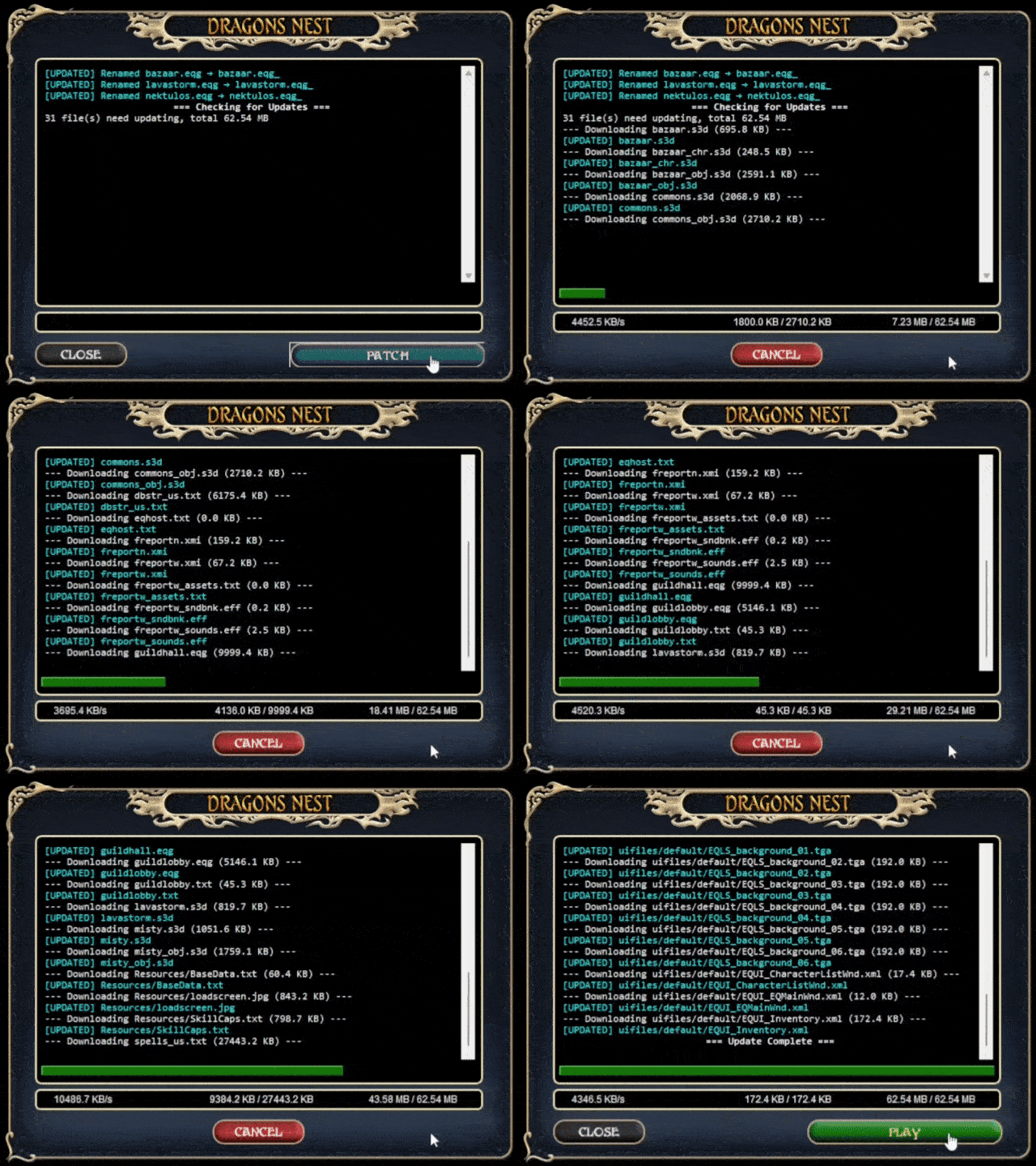
- Once patching has completed, select Play
- Login using your Dragons Nest account from step 3
- Patch Files (manual method)
- Download and extract the latest Client Patch file into your ROF2 directory overwriting any existing files
- Rename the following files;
- bazaar.eqg to bazaar.eqg_
- lavastorm.eqg to lavastorm.eqg_
- nektulos.eqg to nektulos.eqg_
- Create a shortcut to eqgame.exe with the argument patchme as the target. For example,
["C:\ROF2\eqgame.exe" patchme]
(the quotations are recommended as some folders may contains spaces depending where you extracted the game client) - Launch your shortcut and login using your Dragons Nest account from step 3
- DNLauncher (recommended method)